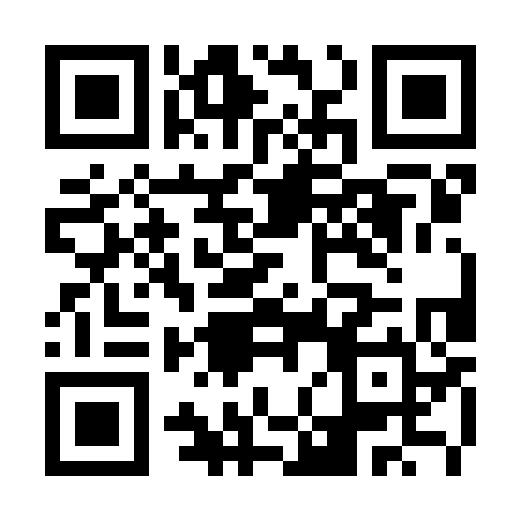
Large local QR code display
Fullscreen QR Code
Turn a URL, message or short piece of text into a large QR code for presentations, classrooms, menus and events. Adjust contrast, quiet zone, pixel size and caption before showing or downloading it.
- Content
- Text or URL up to 1200 characters
- Error correction
- High
- Size
- 180 to 500 pixels
- Generation
- Inside this browser
Create a Fullscreen QR Code that scans reliably
Use short content and strong contrast, then test with another device before displaying it to an audience.
Enter the destination
Paste a complete URL or type the exact text that should appear after scanning.
Keep clear contrast
Use a dark QR color on a light background. Decorative low contrast combinations can fail.
Set margin and size
Leave a quiet zone around the code and make it large enough for the viewing distance.
Test, display and save
Scan the preview with a second device, then use fullscreen or download the PNG.
Why margin and size affect scanning
The blank area around a QR code helps a camera separate it from surrounding graphics. The Margin slider controls that quiet zone in QR modules, while Size controls the generated canvas dimensions.
Long content creates a denser pattern. A short web address is easier to display at distance than a large paragraph, even when both fit within the input limit.
Check what the code contains before sharing
The generator encodes the text exactly as entered. It does not shorten URLs, verify a destination or add tracking. A typo in the input becomes part of the QR code.
Generation and image export happen in the browser. For a neutral display behind the code or between slides, open the Black Screen tool.
QR code controls
The style options update the actual generated code rather than adding a visual overlay.
QR and background colors
Set the dark modules and light field. Strong contrast provides the most reliable starting point.
Margin
Changes the blank quiet zone from 0 to 10 modules.
Size
Generates the code from 180 to 500 pixels wide in 20 pixel steps.
Caption and download
Add an optional line below the code and include it in the downloaded PNG.
Important: Always test the final code on more than one camera before an event. The page cannot guarantee scanning under every distance, angle, print or lighting condition.
Fullscreen QR Code questions
Why is my QR code hard to scan?
Increase size and margin, restore dark on light colors, shorten the content and test from the intended distance.
Does the site save the URL I enter?
The code is generated in the browser. The tool does not need an account or a server upload.
Can the caption be removed?
Yes. Select Caption off. The code remains available without the text line.